Troubleshooting Virtual Donation Drives
Sign Up and Personalize Your Page
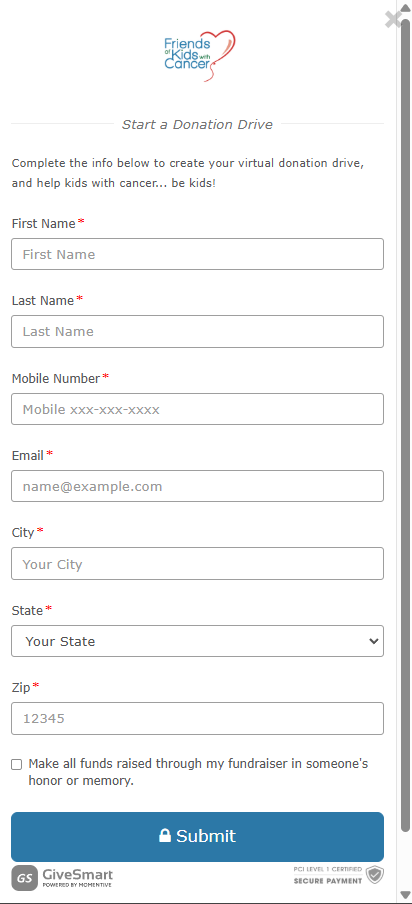
Fill out the Virtual Donation Drive Form or Event Fundraiser Donation Collection form, press SUBMIT.
|
Fill out the Virtual Donation Drive Form or Event Fundraiser Donation Collection form, and press SUBMIT.
|
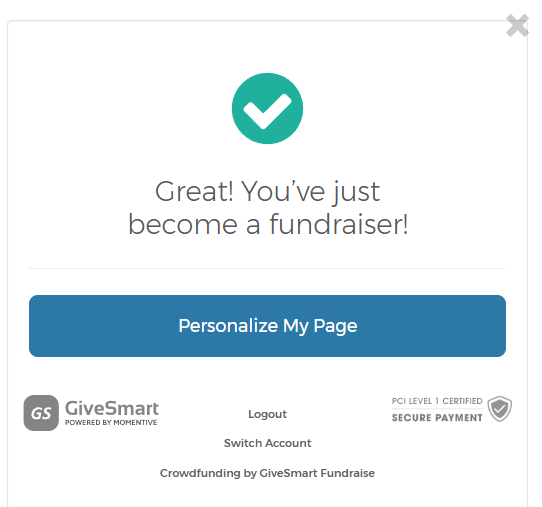
A confirmation will pop up once you hit SUBMIT.
From here, click the Personalize My Page button, or see your email.
|
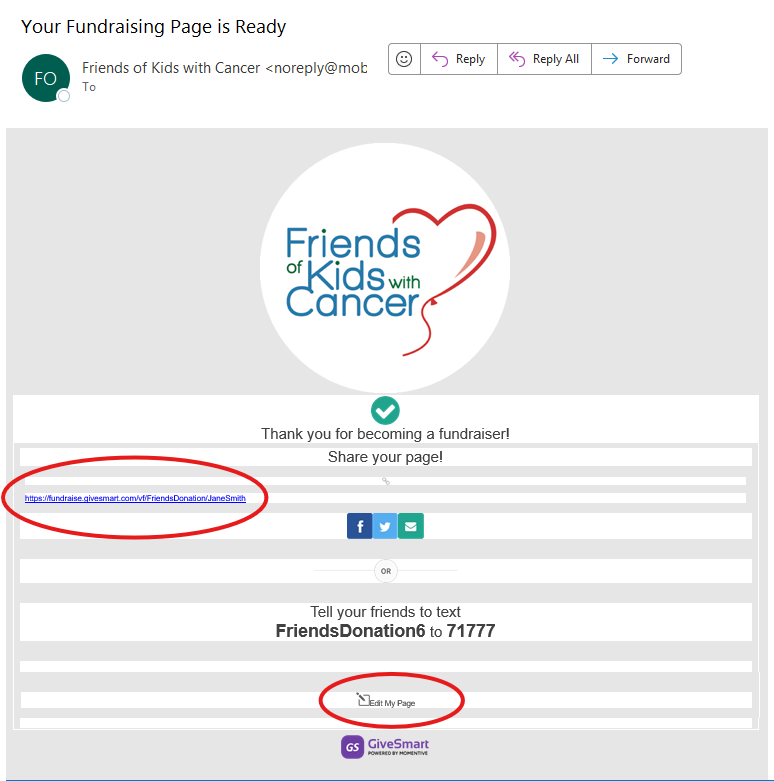
Immediately after submitting your form, you will receive an email to the address submitted on the form. This email has two links you can use to personalize your page.
|
Personalizing Your Page
|
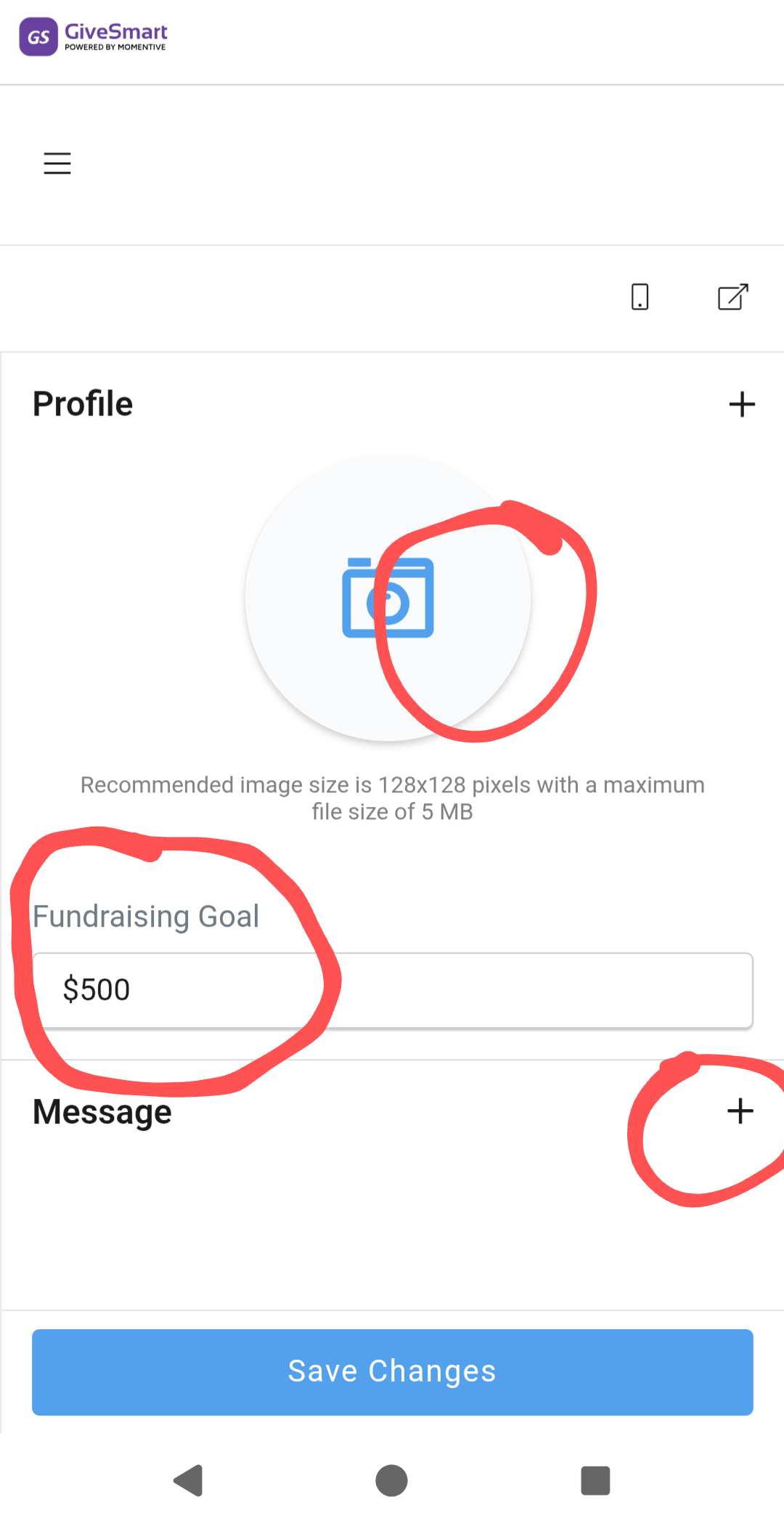
When in editing mode, you can change your profile picture, edit your fundraising goal, and personalize your message.
|
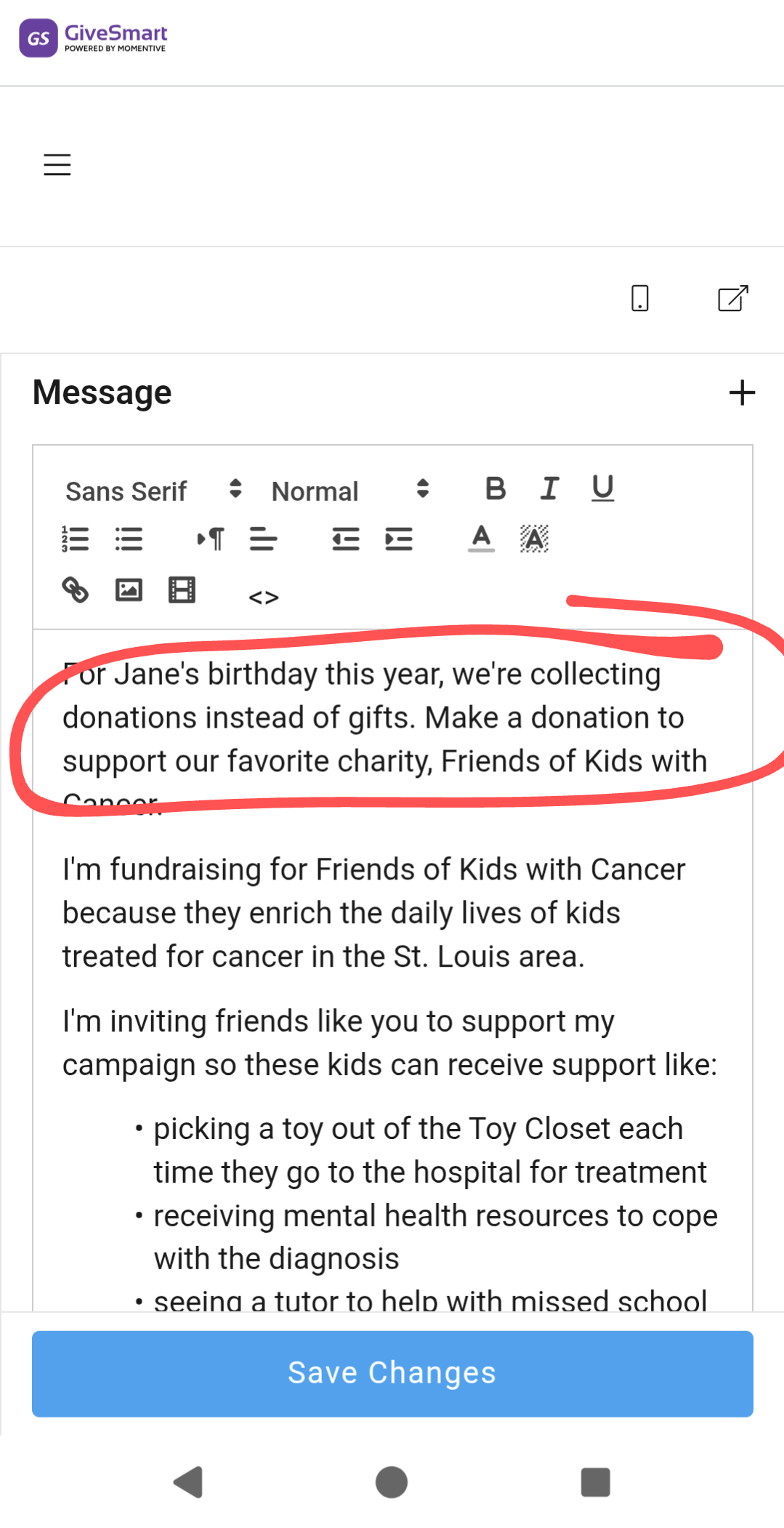
Use the Message space to tell your audience WHY you are collecting donations for Friends of Kids with Cancer. Personalized stories are the best way to inspire people to give.
|
|
Unfortunately, you are not able to upload personalized photos other than your profile photo.
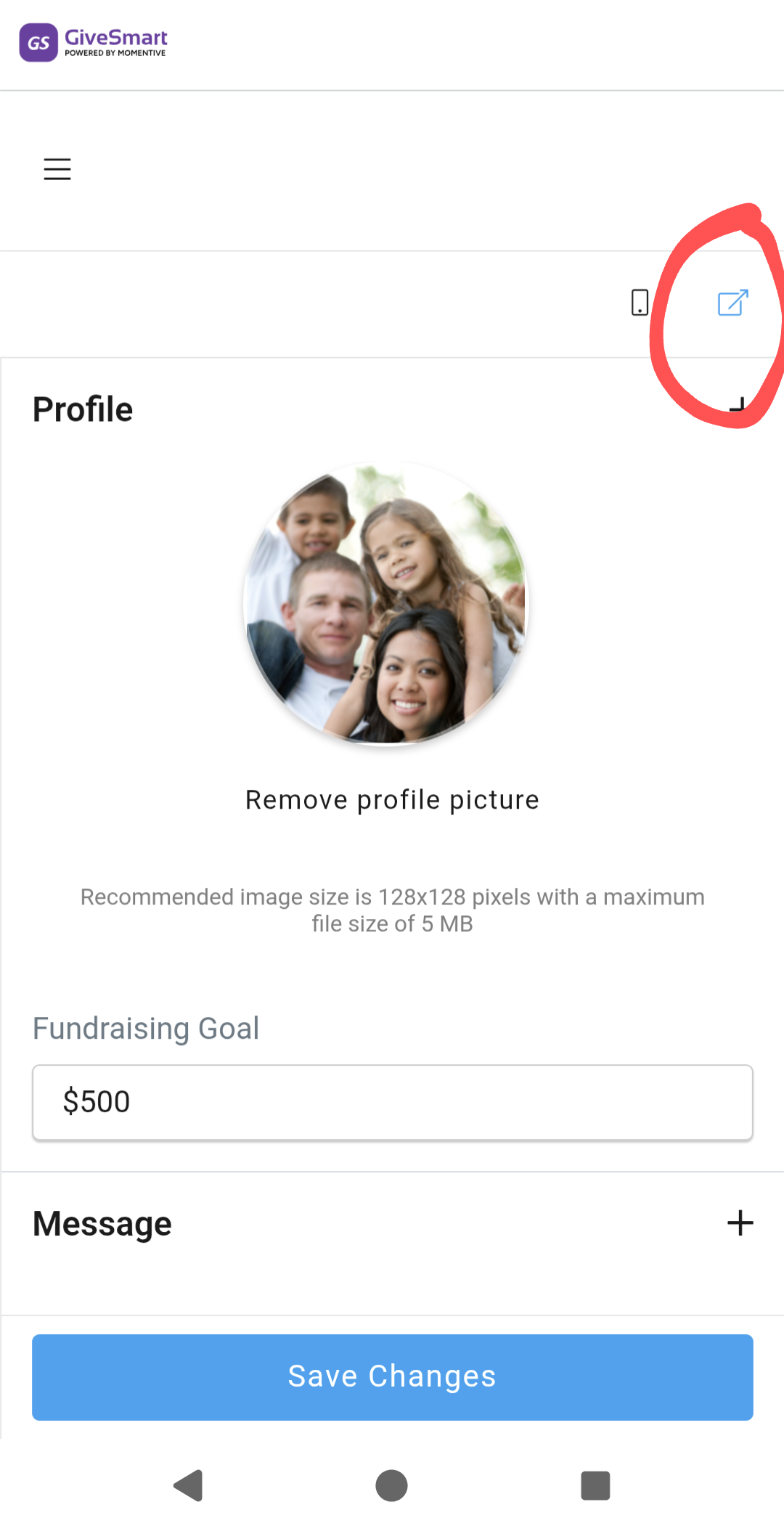
When finished personalizing your page, press the "Open In New Tab" icon button to open your page.
|
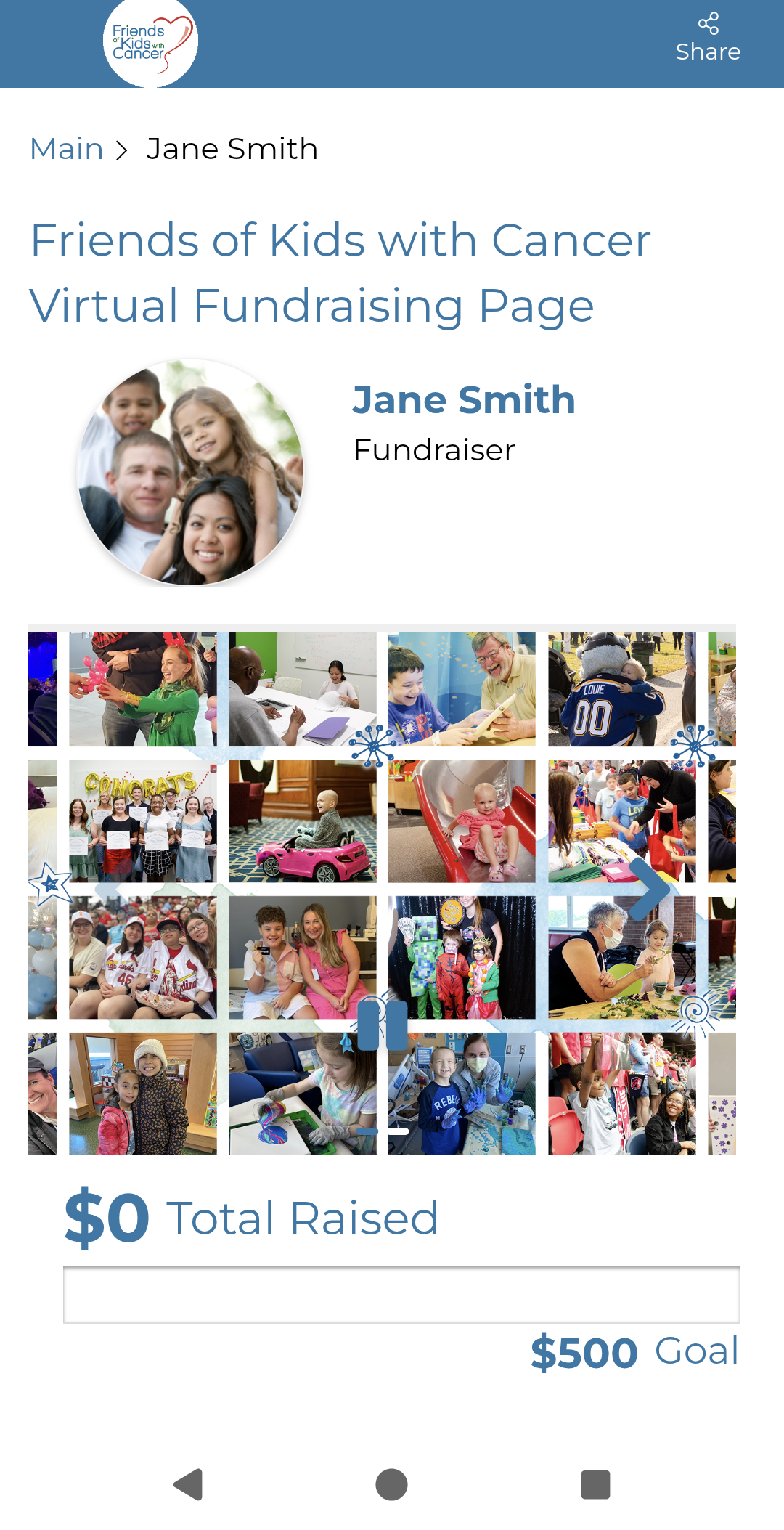
From this tab, you'll see the final look of your Virtual Fundraising Page or Fundraiser Donation Collection Page.
|
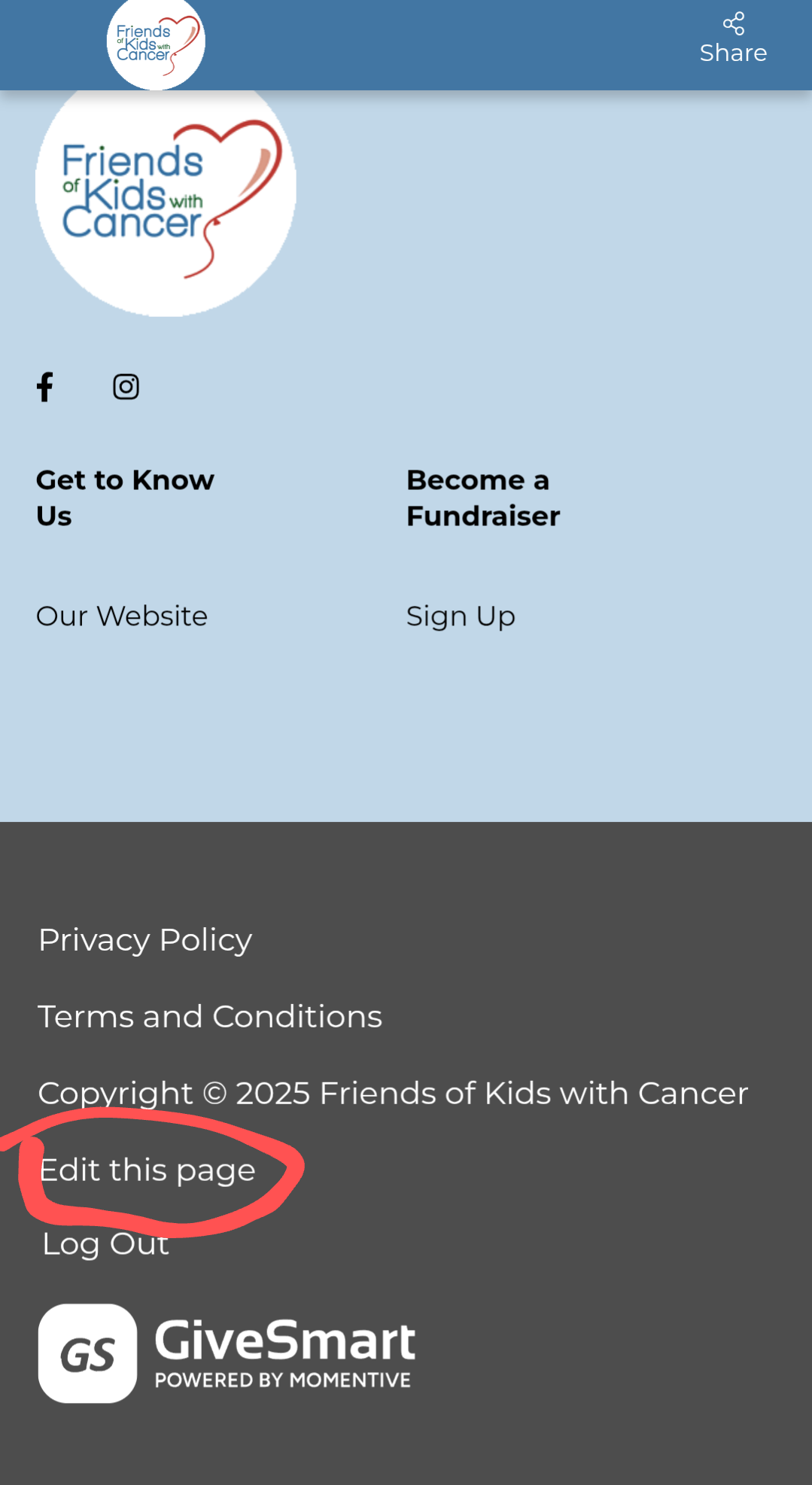
You can edit your page at any time by...
1. Finding your original email with links.
2. Logging in from fundraise.givesmart.com
3. Finding the "Edit this Page" link at the footer of your page.
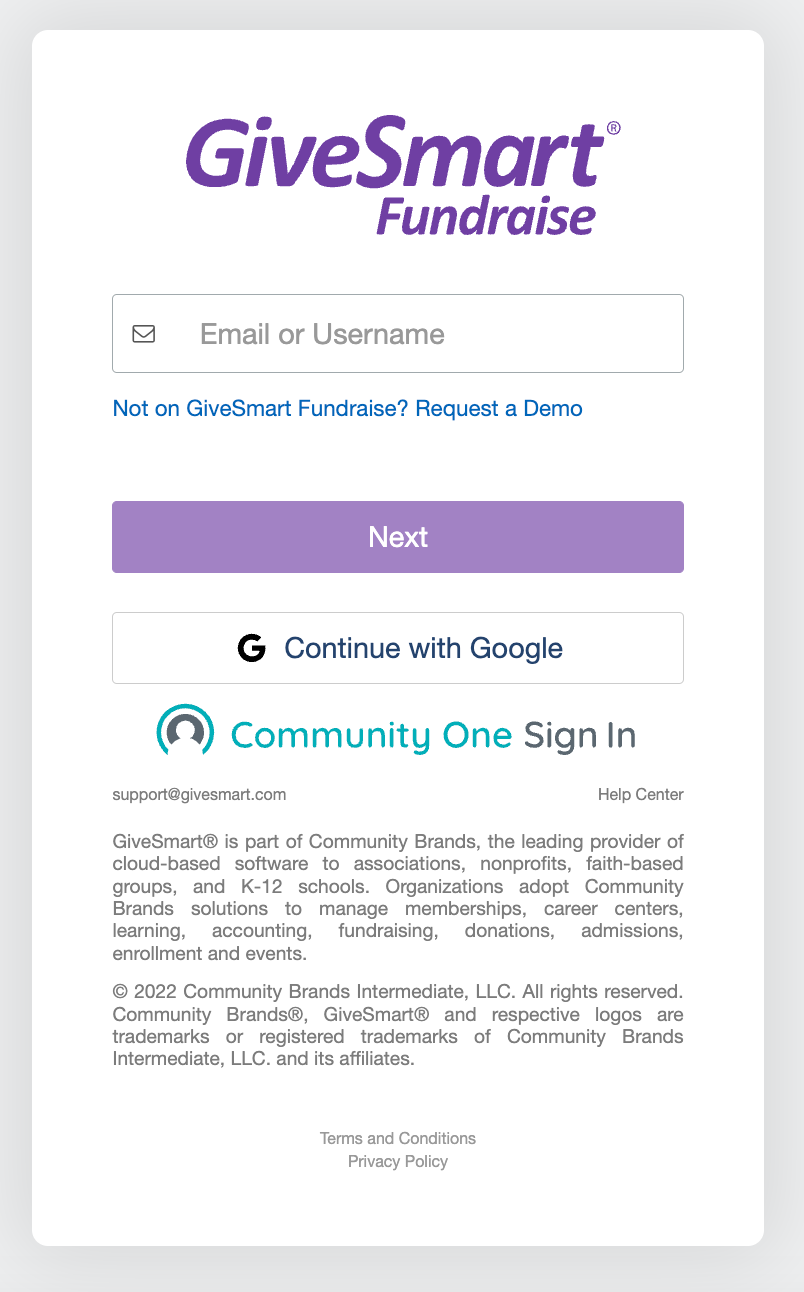
If you're unable to locate your Fundraiser Email, you can access your personal page from: https://fundraise.givesmart.com.
Here, you can enter the email you used when signing up as a Fundraiser and click Next.